Process
The work starts
before the code.
I don’t start with a feature list. I start by understanding how the business runs, where the current system is failing, and what the new product has to make easier.
Why the process matters
Most software projects fail before a line of code is written.
Not because of bad engineering — because of bad discovery. The requirements were based on assumptions, the integrations weren’t mapped, and nobody talked to the people actually doing the work. By the time the system ships, it solves the wrong problem.
This is where product engineering matters: the job is not just to deliver tickets, but to turn an ambiguous business problem into the right system to build.
Discovery
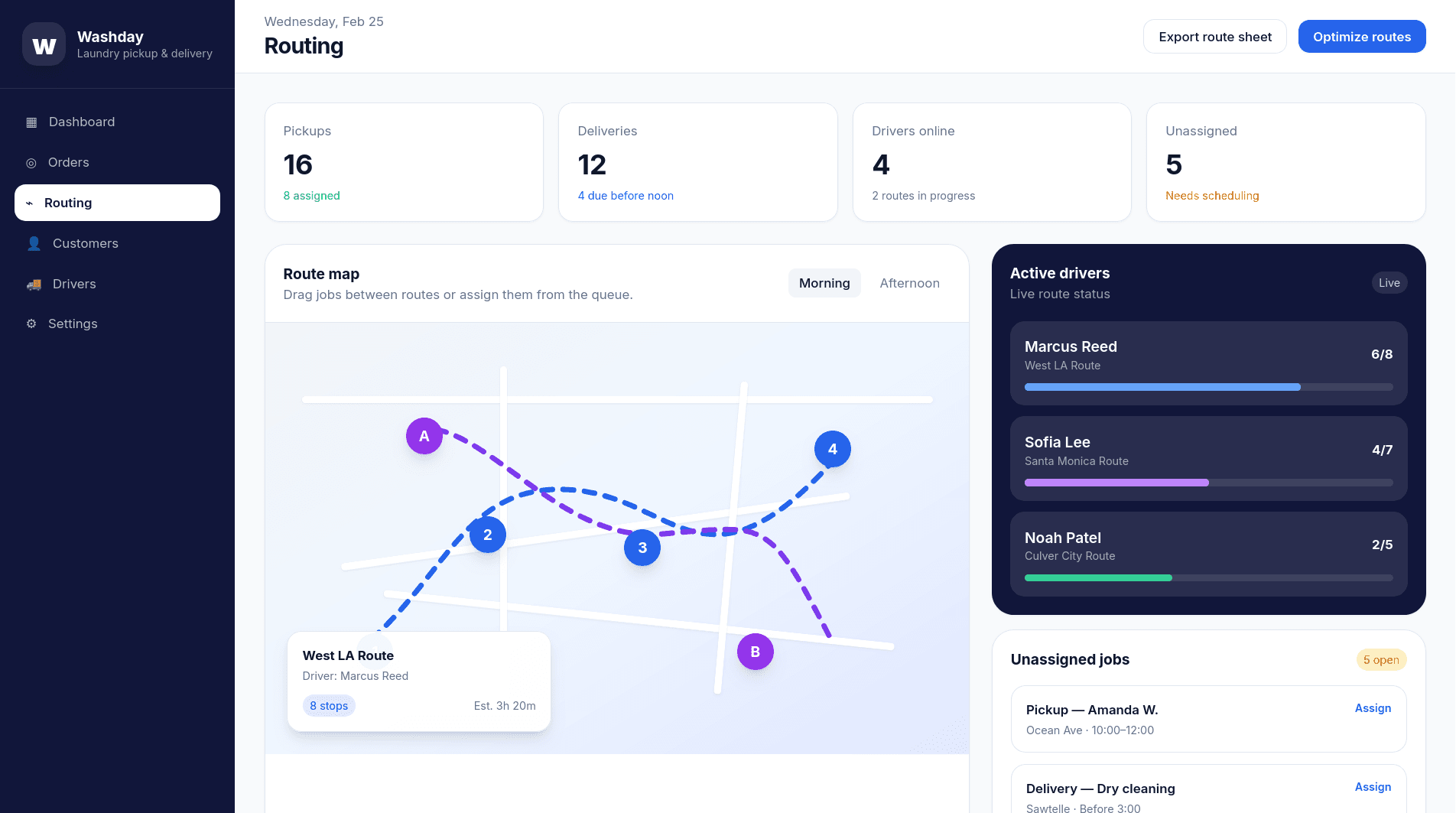
Map the workflow before touching anything.
I spend real time mapping how the work actually happens — not how it’s supposed to happen. That means talking to the people doing it, not just managing it. Watching workflows. Asking the uncomfortable questions about what can’t break and what’s held together by one person’s memory.
For clients where I’m physically nearby — Los Angeles, Orange County, the Inland Empire — this often means an on-site session before anything is scoped. Your floor is the best brief I can get.
What you get: A shared, honest map of the problem — what people do now, where workarounds live, and what the new system cannot break.
How this applies to digital transformation
- Current tools mapped
- Manual workarounds documented
- “Can’t break” list defined
- Integration dependencies
- Real bottlenecks (not assumed)
- Stakeholder pain points
Design
Shape the product while decisions are still cheap.
Before a line of code is written, we agree on what we’re building. Wireframes, architecture decisions, and defined scope — all reviewed together upfront. You see the plan before it becomes code, which means you can redirect it without throwing away work.
This is where the workflow becomes a product: screens, data, permissions, integrations, and the smallest useful version of the system.
This is also where integrations get mapped properly. QuickBooks, Salesforce, an ERP, a legacy API — whatever needs to connect gets accounted for in design, not discovered mid-build when it’s too late to re-architect.
What you get: A clear, reviewed plan — product shape, wireframes, architecture, and scope — before anything is built.
See how this applies to custom softwareBuild
Build in working slices. You never stop knowing where things stand.
Each phase ends with a working increment — not a status update, not a screenshot. You review what was built, give feedback, and we move forward with shared context. If something needs to change, it changes before the next phase builds on top of it.
The business doesn’t pause during a build. Rollouts happen around live operations, with cutover plans that respect what’s already running.
What you get: Usable software at each milestone, reviewed by the people who will depend on it, with no architectural surprises.
Web & mobile app development

- System documentation
- Admin training session
- Recorded walkthroughs
- Credentials & access guide
- 30-day support window
Maintain
Stabilize the system after launch.
A system your team can’t operate independently isn’t done. Every engagement ends with documentation they can actually use, training that sticks, and a support window as the business grows into the software.
The goal isn’t to make myself indispensable — it’s to make the system indispensable. Your team should be able to update it, troubleshoot it, and hand it off to the next person without calling me first.
What you get: A system your team owns — with training, docs, support, and adjustments once the software meets real operations.
See this process in actionWhere AI fits in
AI can speed up the work. It cannot replace knowing the business.
AI runs through most engagements now — sometimes as a feature being built, always as part of how I build. I use it to move faster on the repetitive parts: scaffolding, generating options, catching edge cases early.
What AI doesn’t do is understand your business, make architectural decisions, or replace the judgment that comes from actually knowing the problem. That part stays human.
The product judgment still comes from understanding the workflow, the users, and the cost of getting the system wrong.
“Diana would ask the right questions, which helped us reevaluate some of our ideas.”Krishna SomandepalliPhD Candidate & Researcher · University of Southern California
Services
The same discipline applies whether we’re modernizing, automating, or building from scratch.
Senior-led
I’m Diana Lopez.
I run the discovery, product shaping, design, and build work directly, so the context gathered at the beginning does not get lost in handoff.
I work with established businesses where software has to respect what is already running: legacy systems, team habits, customer expectations, and the operational knowledge that rarely appears in a requirements doc.
What I protect during a project

Senior-led, solo practice — you work directly with Diana, not a team of junior developers.
Start a conversation
Drop me a line.
If the tools aren’t keeping up with the business, let’s talk. A real conversation about what you’re trying to fix.