Service
Custom Client Portal Development
Custom client portal development for secure access, documents, status tracking, and integrations.
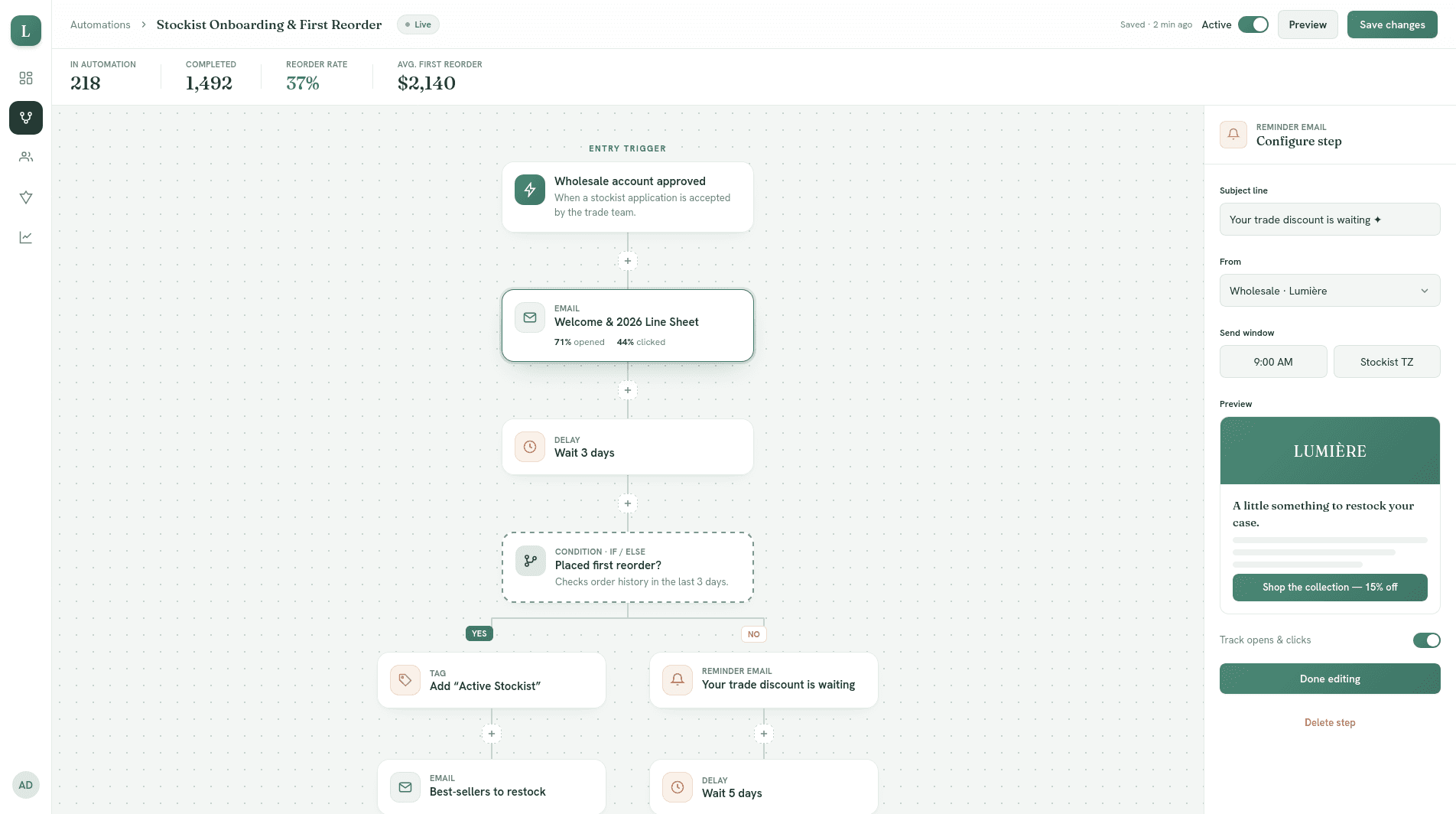
Pixelswithin took our ideas and made them better.
Who this is for
This might be you.
Your clients need a secure place to get files, updates, and approvals.
Documents emailed back and forth. Status updates that require a call. Approvals that sit in someone's inbox for a week. A client portal gives them one clear place to go.
Your team spends too much time answering the same status questions.
'Where are we on this?' should answer itself. Instead it's eating your team's time and making clients feel uncertain.
Onboarding is manual and inconsistent.
New clients go through a different experience depending on who handles them. Some things fall through. Others get over-explained. There's no repeatable path.
A portal fixes that. Every client gets the same clear start.
The approach
How I handle this specifically.
Design from the client's perspective first.
Client portals fail when they're built from the inside out. I design around what the client needs to see and do, then connect that to your internal systems.

Protect sensitive information without making it painful to access.
Security matters more in client-facing systems than anywhere else. I build access controls, audit logs, and secure file handling in from the start, not as an afterthought.
Connect the portal to your existing software.
A portal that creates double-entry is worse than no portal. I integrate with your existing systems so information flows cleanly instead of fragmenting again.

Deliverables
What you get at the end.
A branded client portal your clients actually use.
- Secure client portalCustom-built for your service and your clients, not a generic white-label tool.
- Branded client onboardingA repeatable, consistent entry experience for every new client.
- Document sharingSecure upload, review, and approval without email attachments.
- Project status trackingClients can see where things stand without having to ask.
- Source code you ownNo ongoing vendor dependency for a tool your business runs on.
- Post-launch supportAvailable while clients and your team settle into the new system.
“If I had a concern about any component of the deliverables, Diana fixed them within 24 hours.”
Adriani Coleman · Lead Digital Learning Specialist, Digital Learning & Pedagogical Solutions
If this is what you've been looking for, let's talk.
Start a Conversation“She seemed to effortlessly understand what it was that we were looking for. She took our ideas and made them better.”
John G. McCabeSenior Consultant · Decision Analysis Inc., Los Angeles
Client and collaborator experience includes





Common questions
Before you reach out.
How do you handle client authentication?
I build secure login flows — email/password, magic link, or SSO depending on your needs. No client data sits behind a weak auth layer.
What's the difference between client portal development and customer portal development?
They often overlap. Client portal usually means a service relationship portal, while customer portal is the broader term. I build both as secure, branded portals with the access and integrations the business needs.
What if different clients need different access levels?
Role-based access is built in from day one. Different clients — or different people within a client organization — can see exactly what they're supposed to see.
Why build custom client portal development instead of using a template or no-code tool?
Custom client portal development is the better fit when the portal is central to your business, the permissions are complex, the data is sensitive, or the integrations matter. Template tools can be fine for simple use cases, but they usually become restrictive when the portal has to match your process instead of forcing the process to match the tool.
I’m Diana Lopez.
I’m a senior product engineer and digital transformation consultant who turns messy business operations into clean, usable software.
I work directly with business owners to understand their problem, design the right system, and build it.
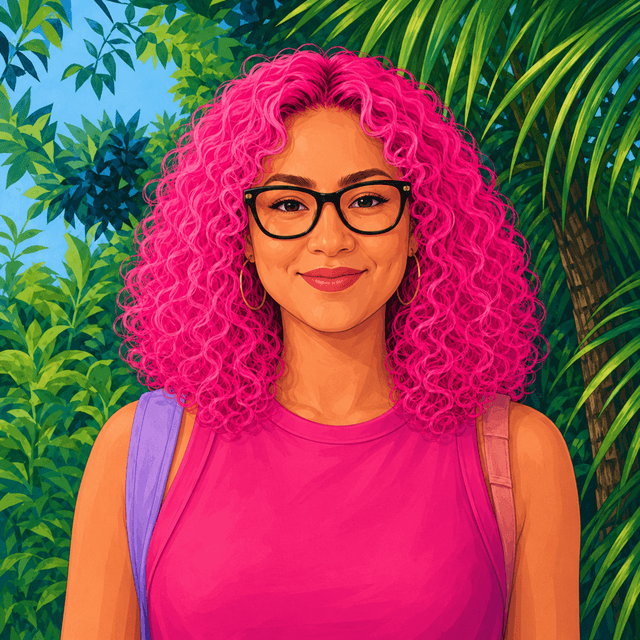
Senior-led, solo practice — you work directly with Diana, not a team of junior developers.
Start a conversation
Drop me a line.
If the tools aren’t keeping up with the business, let’s talk. A real conversation about what you’re trying to fix.