A customer sees the tool your team uses internally and says the thing every operator secretly wants to hear: Can we pay to use this too?
It feels like validation. Maybe it is. But before you say yes, ask the question that decides whether this is a product opportunity or a liability: can this setup safely handle someone else's business data?
Basecamp started as a tool 37signals built for itself. Slack came out of Tiny Speck, the company behind the failed game Glitch. Those stories are appealing because they make productization sound natural: build something useful, let someone else notice, turn it into a product.
The part people skip is the hard middle: making sure the tool can survive customers who do not share your context, workflows, permissions, or data assumptions.
An internal tool works because it was built around one company's reality. A SaaS product works when it can survive many companies' differences.
The question is not whether the tool has a clean enough interface or whether you can add billing. The question is whether this system can safely carry someone else's business data, workflows, permissions, and expectations without your team standing next to it.
That is a different problem.
First, the good news — and the trap
The good news is that the customer has identified real value. They did not ask for a demo because of your roadmap. They saw something that solved a problem they already have.
That matters. Most SaaS products spend years trying to prove demand. A customer asking to pay for an internal tool is a strong signal that the problem is not imaginary.
The trap is assuming demand means readiness.
Internal tool
- Shared context fills in the gaps
- Workarounds live in the team, not the product
- Slack support carries unfinished edges
- People know which fields to ignore
Product
- The rules have to be explicit in the system
- Customers expect the workflow to stand on its own
- Support becomes a real operating function
- Bad assumptions become trust problems
Internal tools run on shared context. Someone knows which field can be ignored. Someone knows which status means "probably done." Someone knows which spreadsheet has the real answer when the tool is wrong. Support happens in Slack. Bugs are forgiven because everyone knows why the tool exists. That is exactly the kind of operational dependence that eventually needs to be replaced with a system built around the real workflow.
Customers do not have that context. They do not know your shorthand. They do not know which parts are unfinished. They do not know which assumptions are safe. They will treat the product as a system of record long before it deserves that level of trust.
That is where internal-tool-to-SaaS projects get expensive. Not in the login screen. Not in the pricing page. In the places where one company's habits were accidentally encoded as product architecture.
The real question: can this hold someone else's business data?
The customer is not just asking to use your software. They are asking you to take responsibility for part of how their business runs.
That changes the risk.
If your internal tool loses a record, someone on your team can fix it. If it exposes another customer's record, that is no longer a bug. It is a trust event. It may become a legal event. It may become the story a prospect remembers before they ever see the product.
This is why the first commercial-readiness question should be boring and uncomfortable:
Can our setup keep one customer's data away from every other customer's data, even when the product changes?
That is the plain-English version of multi-tenancy.
What multi-tenancy actually means
Multi-tenancy means one product serves multiple customers while keeping their data, permissions, configuration, billing, and usage boundaries separate.
The important word is not "multiple." It is "separate."
A tenant might be a company, client, workspace, clinic, facility, franchise, dealer, or account. Whatever you call it, the system needs to know which tenant every record belongs to and enforce that boundary everywhere: database queries, API calls, background jobs, exports, caching, search indexes, emails, reports, audit logs, and admin screens.
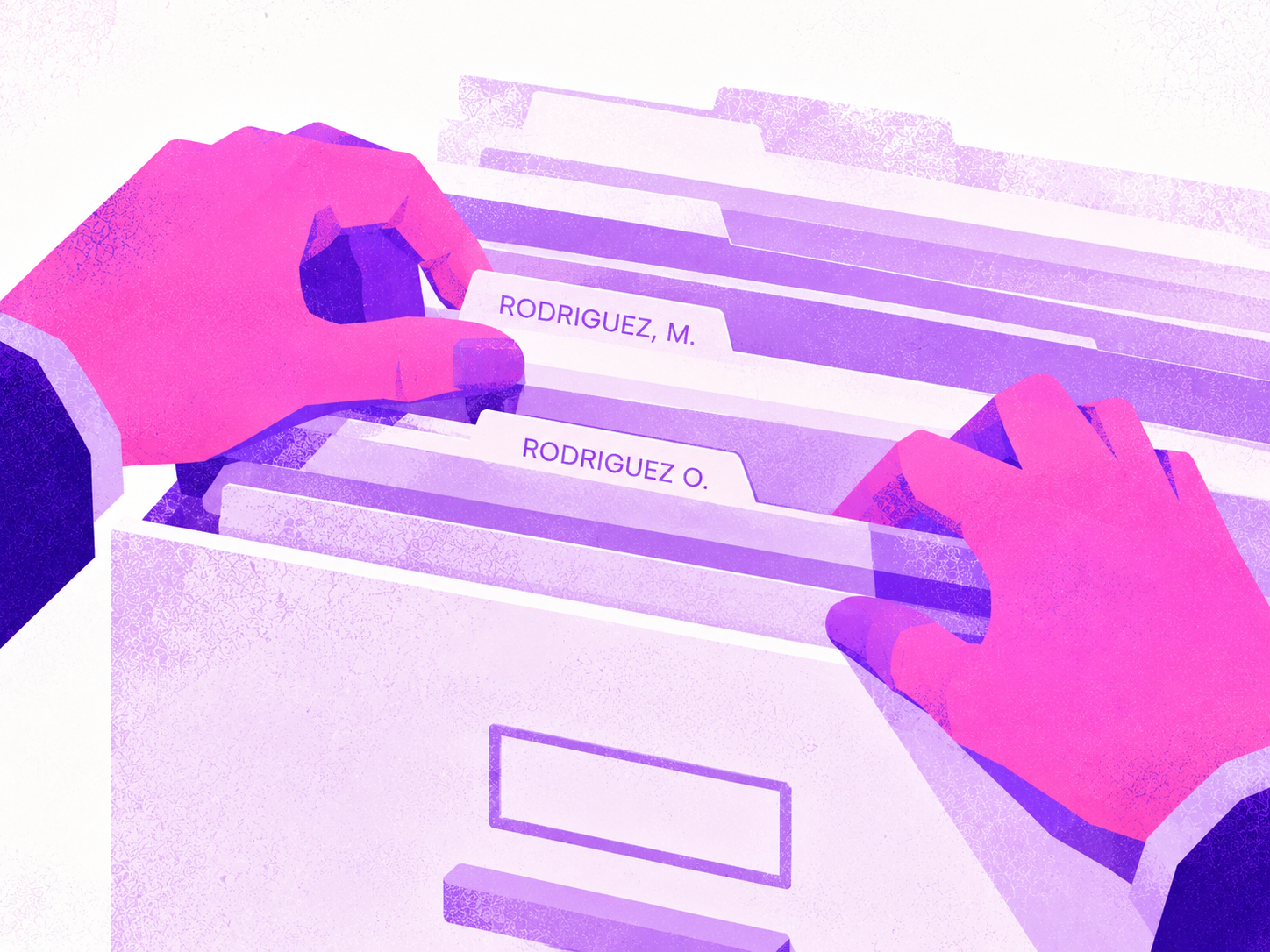
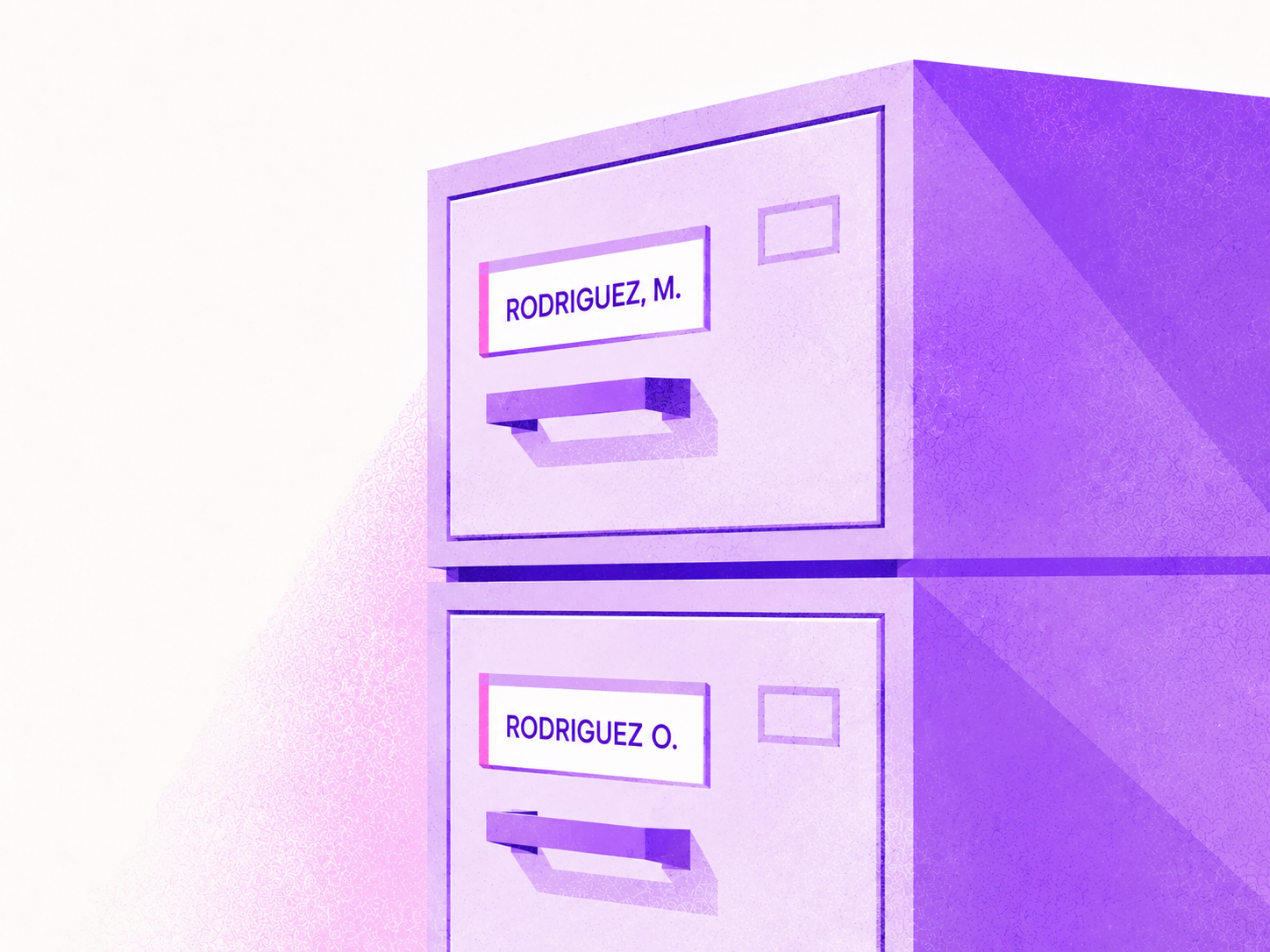
Hiding another customer's records in the UI is not enough. If the API can still return them, the boundary is not real.
The three ways to keep customer data apart
There are three common models. The right answer is not purely technical. It reflects your pricing model, risk tolerance, support capacity, and the type of customer you want to sell to.
Shared schema
One database, mixed records, tenant_id on every row.
- Isolation
- Lowest
- Cost
- Lowest
- Ops burden
- Low
- Best fit
- Standard tiers and disciplined teams
- Failure mode
- One missed filter can leak data
Separate schemas
One database, separate rooms for each customer.
- Isolation
- Medium
- Cost
- Medium
- Ops burden
- Medium
- Best fit
- Teams that want stronger boundaries without full isolation
- Failure mode
- Migrations and reporting get heavier as tenants grow
Separate databases
Each customer gets its own infrastructure boundary.
- Isolation
- Highest
- Cost
- Highest
- Ops burden
- High
- Best fit
- Enterprise, regulated, or premium isolation tiers
- Failure mode
- Operational sprawl and higher support overhead
Shared database, shared schema. Every customer lives in the same tables, and each row carries a tenant_id. This is usually the cheapest and easiest model to operate. It is also the easiest to get wrong if tenant filtering is not enforced below the UI. A missed tenant check can become a cross-customer data leak.
Shared database, separate schemas. Each customer gets a separate schema inside the same database. This gives stronger separation and can make some maintenance tasks cleaner, but it adds operational overhead. Migrations, reporting, and support tooling become more complex as the tenant count grows.
Separate database per customer. This gives the strongest isolation and the cleanest per-customer backup or restore story. It also costs more and takes more operational discipline. This often makes sense for enterprise tiers, regulated customers, or customers with strict data residency or contractual requirements.
Many mature products end up with a hybrid model: smaller customers in a pooled setup, enterprise customers isolated more strongly. That is not an engineering detail. That is a pricing and risk decision.
What to ask your technical person:
- Does every customer-owned record have a tenant boundary?
- Is that boundary enforced server-side, not just hidden in the UI?
- Do background jobs, exports, caches, and search indexes also respect it?
- Could an enterprise customer pay for stronger isolation later?
Your data structure is probably the real bottleneck
Most internal tools are built around one company's way of seeing the world.
The customer table has columns that match your customer types. The status dropdown reflects your sales process. The approval flow assumes your org chart. The "notes" field contains half the business logic because people know what to write there.
That is fine internally. It is dangerous as a product.
The productization work is deciding what belongs in the standard product, what should be configurable, and what should never be shared or generalized.
Standard, configurable, isolated
A useful way to evaluate the data model is to sort every object, field, workflow, and setting into three buckets.
Standard
Shared product structure
Accounts, users, jobs, orders, projects, documents.
Configurable
Safe adaptation points
Status labels, custom fields, filters, views, intake forms, notifications.
Isolated
Hard customer boundaries
Data, permissions, files, billing, audit logs, integrations, admin access.
Standard: the things every customer should share. These are your core entities and product opinions: accounts, users, jobs, orders, projects, assets, documents, locations, tickets, requests, or whatever your domain requires. Standard does not mean rigid. It means the product has a clear mental model.
Configurable: the things customers can safely adapt without turning your product into custom software for every account. Status labels, custom fields, dropdown options, views, filters, notification rules, intake forms, and role names often belong here.
Isolated: the things that must never leak or accidentally depend on another customer. Data, permissions, billing, files, audit logs, integrations, customer-specific configuration, and internal admin access belong here.
If your internal tool cannot answer which bucket something belongs in, it is not ready to become a product. It may be ready for a paid pilot. It is not ready for general sale.
Stop wiring screens directly to tables
Internal tools often get away with wiring a screen directly to the database table. The table says what fields exist. The UI shows those fields. Everyone knows what they mean.
A SaaS product needs a layer between the database and the customer-facing interface. That layer might be a REST API, GraphQL API, service layer, or whatever fits your stack. The point is not the acronym. The point is separation.
The UI should express the product workflow. It should not expose your database plumbing.
This matters because the backend structure will change. You will rename things. You will split tables. You will add configuration. You will migrate fields. If the UI is tightly coupled to the table shape, every data model change becomes a customer-facing change.
That is manageable when the only users are your own team. It becomes a permanent drag once paying customers depend on the product, which is why product engineering work starts by shaping the workflow, not mirroring the table.
When customers want custom fields
The first paying customer will ask for a field you do not have.
The second customer will ask for the same concept under a different name.
The third customer will ask for something that only applies to their workflow and should not exist for anyone else.
This is where many internal-tool-to-SaaS projects take the wrong turn. They add a column. Then another. Then a customer-specific flag. Then a hidden setting. Eventually the product becomes a pile of exceptions with a login screen.
There are two common patterns for customer-defined fields.
EAV, or Entity-Attribute-Value, stores each custom attribute as a row. It is extremely flexible. It is also hard to query, hard to report on, and easy to make slow as volume grows. It can be the right answer in some systems, but it is rarely where I would start for a transactional B2B SaaS product.
JSONB in Postgres stores custom attributes as a JSON document on the record. It is usually simpler, easier to operate, and performs well for many real products when indexed carefully. The tradeoff is weaker type enforcement and fewer native relational guarantees.
The point is not that JSONB always wins. It does not. Workload matters.
The point is that "let customers add their own fields" is not a small feature. It affects search, filtering, exports, reporting, validation, permissions, onboarding, support, and performance.
What to ask your technical person:
- Can customers define fields without a database migration?
- Can custom fields be typed, validated, filtered, sorted, searched, and exported?
- Can permissions hide sensitive custom fields from the wrong role?
- Do we know which fields are product-standard and which are customer-defined?
What Airtable gets right
Airtable is useful as a mental model because it hides relational complexity behind a configuration surface people understand.
Users do not think in foreign keys and junction tables. They think in records, fields, linked records, views, filters, and forms. Airtable lets non-technical people shape data without asking them to become database designers.
That does not mean your product should become Airtable. Most B2B SaaS products should not be infinitely open-ended. Customers are paying for a product with opinions, not a blank database with a nicer interface.
The lesson is narrower and more useful: give customers controlled ways to adapt the structure without letting them destroy the product model.
What WordPress got right — and where it broke down
WordPress is another useful example because it made extension easy. Posts, post types, taxonomies, and metadata gave developers a flexible foundation. Plugins could add new behavior without changing the database schema every time.
That flexibility helped WordPress win.
It also created limits. WooCommerce historically stored orders through WordPress post and postmeta tables. That made extensions easy, but high-volume order data eventually needed a more purpose-built structure. High-Performance Order Storage moved order data into dedicated tables, and WooCommerce says HPOS became the default for new installations in version 8.2, released in October 2023.
The lesson is not "WordPress is bad." The lesson is that flexible metadata is excellent for extensibility and much weaker as the foundation for high-volume transactional data. That is the same boundary described in when WordPress becomes the wrong foundation for custom workflows.
That is exactly the tradeoff you face when an internal tool starts becoming a product.
The day schema changes become customer risk
Inside your own company, a database change can be informal. Add a field. Rename a status. Clean up a table. Tell the team what changed.
Once customers depend on the product, every structural change becomes a procedure.
You cannot casually remove a field a customer reports on. You cannot rename a status their integration expects. You cannot change how records relate if their export, dashboard, or workflow depends on the old structure.
Once a customer's business runs on your data structure, you can no longer just change it. Every change becomes a careful, reversible procedure.
Expand, migrate, contract
The safer migration pattern is often called expand, migrate, contract.
Expand
Add the new structure without breaking the old one.
Migrate
Dual-write, backfill, test reads, and watch for drift.
Contract
Remove the legacy path only after the new one is proven.
Expand: add the new field, table, or relationship without removing the old one.
Migrate: write to both old and new structures, backfill old data, test the new reads, and watch for inconsistencies.
Contract: after the product is safely using the new structure, remove the old path later.
This is slower than changing the table and moving on. It is also what keeps customers from waking up to broken reports, missing data, or workflows that quietly stopped working.
What to ask your technical person:
- Are migrations versioned alongside code?
- Can we roll back a bad migration?
- Do we avoid destructive schema changes in one step?
- Can older customer data survive newer product behavior?
- Do we have tests that prove tenant isolation still holds after migrations?
When tenant isolation fails
Tenant isolation sounds abstract until it fails.
In May 2025, Vanta deployed a code change that caused some data synced through third-party integrations to be written into the wrong customers' tenants. Its root cause analysis said the ingestion system lacked sufficient database-layer protections. Vanta also said fewer than 4% of customers were impacted and that the issue was not caused by an intrusion.
That is the detail that matters for an operator: this happened to a company whose entire product is security and compliance automation. The failure was not that they did not care about security. The failure was that an ordinary product change crossed tenant boundaries.
In March 2023, OpenAI took ChatGPT offline after a bug in the open-source Redis client library redis-py allowed some users to see titles from another active user's chat history. It later reported that, during a specific nine-hour window, the same bug may have exposed payment-related information for 1.2% of active ChatGPT Plus subscribers.
That incident was not a database table with a missing tenant filter. It was a caching-layer bug. That is the point. Tenant boundaries have to hold across the whole system, not just the obvious queries.
OWASP's Top 10 lists broken access control as the number-one web application risk in its 2021 ranking. Cross-tenant leaks usually live in that family: one authenticated user gains access to something they should not be able to see.
The lesson is not that Vanta or OpenAI are careless. Both published transparent writeups. The lesson is that sophisticated teams still lose tenant boundaries through routine software behavior.
If your internal tool is about to hold customer data, tenant isolation is not a future hardening task. It is part of the product.
Everything that is not code
Even if the architecture is sound, selling the tool creates a wrapper of obligations the internal version never needed.
Contracts and data
B2B customers will ask where data lives, who can access it, what subprocessors you use, and what happens if they cancel. Larger customers may require a Data Processing Agreement. Regulated customers may require more: a Business Associate Agreement for healthcare data, security questionnaires, vendor risk review, or SOC 2 expectations.
You do not need to become enterprise-ready on day one. But if a customer is paying you to run part of their operation, you need to know what you are promising.
Billing
Internal tools do not need pricing tiers, invoices, taxes, trials, dunning emails, plan limits, or cancellation flows.
Products do.
Stripe Billing can handle subscription basics. If your customers need to collect money from their own customers through your product, that is a different product surface and a bigger lift. That is more like Stripe Connect, platform payments, disputes, and payout logic.
Do not accidentally add a payments platform to a product that only needed subscription billing.
Logins and permissions
Internal apps often have crude permissions because the team is small and everyone knows each other.
A product needs tenant-aware roles. Admin, manager, staff, viewer, external customer, finance, operations, support. Whatever the roles are, every authorization decision has to know which tenant it belongs to.
Hiding a button is not permissioning. A user who cannot see the button should also be blocked from the API call.
Enterprise customers may also ask for SSO through Okta, Microsoft Entra ID, or Google Workspace. That may not be launch-one work, but it should influence the auth foundation.
Uptime and support
Your internal users know who to message when the tool breaks. A customer does not.
Selling the product means deciding who monitors it, who responds, what counts as urgent, how incidents are communicated, and whether you are willing to make uptime promises.
This is not glamorous. It is where customers decide whether you are a vendor they can trust.
The readiness checklist
If a customer wants to pay for your internal tool, hand this list to the person who knows the system best.
Data and tenancy
- Can every customer-owned record be tied to a tenant?
- Is tenant filtering enforced server-side?
- Do jobs, exports, files, caches, and search respect isolation?
- Can enterprise customers get stronger isolation later?
Data model and customization
- Which entities are standard across all customers?
- Which fields should be configurable?
- Can customers add fields without a migration?
- Can those fields be searched, filtered, exported, and permissioned?
- Are one-off customer branches being avoided?
Change management
- Are database migrations versioned?
- Can schema changes deploy without downtime?
- Are migrations backward-compatible?
- Can you roll back safely?
- Do tests still prove tenant isolation after changes?
Product wrapper
- Can a customer onboard without hidden rules?
- Do roles and permissions match real workflows?
- Are billing, plan limits, and cancellation in place?
- Do you know what contracts and security reviews customers will ask for?
- Do you own monitoring, backups, support, and incident response?
So do you say yes?
The right answer is rarely a flat yes or no. There are three good answers.
Say yes
The foundation is already product-grade.
Isolation, permissions, customization, migrations, billing, and support are already in place.
Run a paid pilot
The demand is real, but the boundary needs hardening.
Limit scope and use the pilot to prove the model works for a second company safely.
Not yet
The tool still depends on tribal knowledge.
If every new customer means risky changes or hidden rules, the opportunity is ahead of the product.
Say yes
Say yes if the tool already has a clear standard data model, tenant isolation, server-side permissions, safe customization, a migration strategy, and a basic operating wrapper: billing, support, monitoring, and contracts.
This is rare, but it happens when an internal tool was built with product discipline from the beginning.
Run a paid pilot
This is the most common good answer.
A paid pilot lets you validate demand without pretending the tool is fully commercial. Limit the scope. Limit the number of users. Limit the data type. Limit the support promise. Make the pilot explicitly about proving whether the product can handle a second company's workflow safely. If that is where you are, start the conversation at the pilot boundary, not after the project has quietly turned into custom client work.
The pilot should answer specific questions:
- Does the standard model fit a second customer?
- Which fields become configurable?
- Where does tenant isolation need hardening?
- What onboarding instructions were missing?
- Which support questions repeated?
If the pilot creates a pile of customer-specific code, stop. That is not productization. That is client services wearing a SaaS costume.
Not yet
Say not yet if the tool depends on tribal knowledge, customer data cannot be isolated cleanly, schema changes are risky, permissions are informal, or every new customer would require code changes.
Not yet is not failure. It is the responsible answer when the opportunity is real but the foundation is not ready to carry someone else's business.
The bottom line
A customer asking to pay for your internal tool is a signal worth taking seriously.
It is not permission to ship the internal version with a pricing page.
The work is turning one company's useful workaround into a product with a standard core, safe extension points, and hard boundaries around customer data. The goal is not infinite flexibility. The goal is to make the right things flexible so the product can stay understandable, supportable, and safe.
Because once customers depend on it, you are not just selling software. You are taking responsibility for part of how their business runs.
FAQ
Can an internal tool become a SaaS product?
Yes, but only after the internal assumptions are made explicit. The product needs a standard data model, tenant isolation, customer-ready permissions, onboarding, billing, support, and a safe way to change the system after customers depend on it.
Should we sell our internal software?
Sell it only if the customer problem is repeatable and the system can safely support more than one company's data. If every customer requires custom code, start with a paid pilot instead of calling it SaaS.
Is our internal app ready to be a product?
It is ready when a customer can use it without your team explaining the hidden rules, and when their data, users, roles, files, exports, integrations, and billing are isolated from every other customer.
What has to change before selling internal software to customers?
The biggest changes are usually tenant isolation, schema standardization, customer-defined configuration, server-side authorization, backward-compatible migrations, billing, contracts, monitoring, and support ownership.
What is multi-tenancy in SaaS?
Multi-tenancy means one product serves multiple customers while keeping each customer's data, permissions, configuration, files, billing, and usage separate. The separation has to be enforced by the backend, not just hidden in the interface.
Do I need SOC 2 to sell software to customers?
Not always on day one. Smaller customers may not require it, but enterprise or regulated buyers often ask for SOC 2, security questionnaires, DPAs, SSO, audit logs, and documented incident response before they trust a new vendor.
This is the kind of product engineering work PixelsWithin helps established businesses scope and build: mapping the workflow, shaping the product, and building the system carefully enough to survive real operations.
Sources: Basecamp, Where we came from; TechCrunch on Slack and Tiny Speck; Vanta RCA Inc-868; OpenAI March 20 ChatGPT outage postmortem; OWASP Top 10: Broken Access Control; WooCommerce High-Performance Order Storage documentation.