The same data gets entered in three different places.
Your team keys information into the CRM, then into the spreadsheet, then into the billing system. Every entry is a chance for a mistake — and a chunk of someone's day.
Operations / End-to-end business process automation
Business process automation redesigns a repeatable operation across intake, decisions, handoffs, exceptions, records, and reporting, then uses software to remove avoidable coordination without automating the wrong process faster.
The workaround has become the official process
Redesign the complete flow before automating it
A simpler operation with accountable exceptions
Recognize the situation
Your team keys information into the CRM, then into the spreadsheet, then into the billing system. Every entry is a chance for a mistake — and a chunk of someone's day.
A request goes out, then it waits. Nobody's being negligent — the process just wasn't designed to move quickly. By the time it's approved, the urgency has passed.
The process works when Sarah is in. When she's out, things pile up or get done wrong. That's not a people problem — it's a process design problem.
A useful distinction
Choose this when friction spans an end-to-end business process and its sequence or ownership may need to change.
Choose workflow automation when the process is sound and a defined set of tool-to-tool handoffs needs implementation.
I will not encode a broken sequence before challenging why the steps, approvals, and duplicate records exist.
A service-specific engagement
Document the process before automating it.: Automating a poorly designed process makes it worse. I map every step, every exception, and every handoff before proposing a solution.
Turn the evidence into a clear user, outcome, product boundary, risky assumptions, and first practical scope.
Remove friction without removing judgment.: Not every decision should be automated. I identify the genuinely repetitive steps and build automation for those, keeping humans in the loop where context matters.
Make failures visible.: Every automated process will eventually fail. I build monitoring and alerting in from the start so errors surface immediately — not when a client calls wondering where their thing is. Diana remains your direct product and engineering counterpart.
Release carefully, observe real use, stabilize the system, and choose the next improvement from better evidence.
Client case study
What looked like a website project was really an end-to-end service process involving two booking windows, routes, drivers, status, notes, and customer expectations.
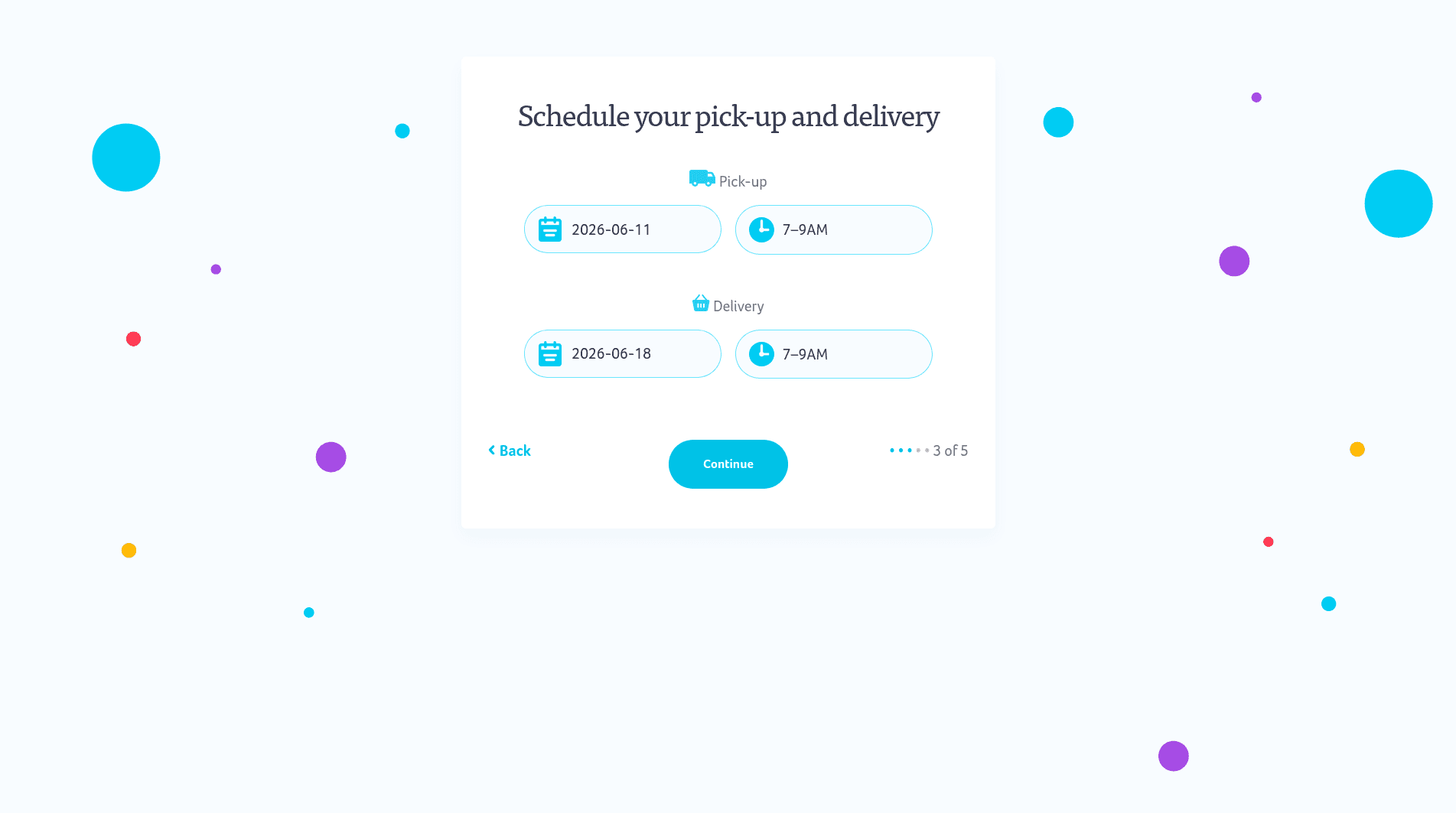
Staff and customers were navigating a service model the legacy software could no longer represent.
Model the full lifecycle of an order and design the customer and operational experiences from the same source of truth.
Deliverables
A process that runs without needing the right person in the office.
The repetitive steps, eliminated. The judgment calls, preserved.
Your tools connected so data flows in one direction.
Immediate notification when something doesn't go through.
A complete log of what happened, when, and who triggered it.
$3,000/month managed software or $6,000/month client-owned software. The difference is ownership, not attention.
Available while the automated process settles in.
A visible commercial path
Clarify the problem, users, flows, technical approach, risks, and useful first scope before making a larger commitment.
PixelsWithin owns and manages the source code while you receive direct product thinking, design attention, and engineering care.
Your business owns the custom source code, making future transfer or internal stewardship straightforward from the start.
The difference is ownership—not attention.
See all pricing and ownership termsProof and working model
Useful proof connects the visible output to the judgment and operating consequence behind it.
Throughout the engagement, you work directly with Diana—the product and engineering counterpart making the decisions and implementing them.
“She seemed to effortlessly understand what it was that we were looking for. She took our ideas and made them better.”
booking flow unified with the delivery operation. See the evidence.
Product direction, UX, architecture, engineering, launch, and ongoing decisions do not disappear into a handoff.
Verified reviews consistently describe responsiveness, quality, understanding, and ideas made better. Read the reviews.
Anything repetitive, rule-based, and currently done manually. Common examples: routing incoming requests, syncing data between systems, generating reports, sending status notifications, and triggering approvals.
Every process has exceptions. I design for them — either by building conditional logic that handles common variants, or by routing exceptions to a human with full context.
Documented, owned code means changes are straightforward. I'll walk your team through how the automation works so you're not dependent on me for every adjustment.
Most modern SaaS tools with APIs — CRMs, ERPs, project management tools, communication platforms, and custom databases. I'll validate integration options during discovery.
A useful beginning does not require a finished brief